
TL;DR: A chatbot answers your question and then waits for the next one. An AI agent takes a goal, uses tools like your inbox, calendar, or a web browser to act on it, and keeps going until the multi-step job is done. The AI model underneath can be the same. What changes is permission to act, and that changes both what it can do for you and what can go wrong.
Running a small business and want the practical version, with costs, free options, and setup? Start with our guide to AI agents for small business. This post is the explainer behind it.
AI agents vs chatbots at a glance
| Chatbot | AI agent | |
|---|---|---|
| What it does | Answers questions, drafts text | Completes tasks across your tools |
| Who starts the work | You, every single time | You, once. Then it runs on standing instructions or a schedule |
| Tools it can use | Usually none, or a web search | Email, calendar, files, browser, other apps |
| When it stops | After each reply | When the job is done, or when it needs your approval |
| What a mistake looks like | A wrong paragraph you can ignore | A wrong action: a sent email, a changed record |
| Best for | FAQs, drafts, brainstorming | Recurring multi-step work like triage, follow-ups, research |
What is a chatbot?
A chatbot is software you have a conversation with. Older ones followed scripts and decision trees ("press 1 for billing"). Modern ones run on large language models, so they understand plain English and write fluent answers.
Either way, a chatbot is reactive. You type, it replies, it waits. Every next step is yours to take.
What is an AI agent?
An AI agent is software built on the same kind of large language model (the models behind ChatGPT, Claude, and Gemini) that can also:
- plan a job as a series of smaller tasks
- decide the next move based on what just happened
- use tools: search the web, read files, call other apps, send email
- keep working through the steps without a prompt from you for each one
Think of it this way: a chatbot is like texting a smart friend for advice. An agent is like hiring a contractor who shows up, looks at the job, and gets to work.
A real example
Say you want to compare your competitors' pricing. With a chatbot, you'd ask about each competitor one at a time, copy the results somewhere, then ask it to compare them.
With an agent, you'd say: "Check the pricing pages of these five competitors, put the numbers in a spreadsheet, and flag where we're much higher or lower." The agent visits each site, pulls the prices, builds the sheet, and hands you the analysis. You get the finished product instead of the parts.
Is ChatGPT a chatbot or an agent?
Mostly a chatbot that's growing agent features. When you type a question and read the answer, you're using a chatbot. OpenAI launched ChatGPT agent in July 2025, which can take actions on the web using its own virtual computer, and it has added more agent products since, so the line is blurring.
For a business, the practical difference is what it's plugged into. An agent you own is connected to your inbox, calendar, and business tools under rules you set, it remembers how your business works, and it runs on standing instructions: it checks the inbox at 6 a.m. whether or not anyone remembered to ask.
Are AI agents just chatbots with tools?
Technically, close. Same kind of model, plus a loop, tools, memory, and permissions. But those additions change everything about how you should treat it.
Anthropic's engineers draw the line cleanly in Building effective agents. Workflows are "systems where LLMs and tools are orchestrated through predefined code paths." Agents "dynamically direct their own processes." In plain terms, a workflow follows your steps and an agent picks its own.
There's a middle ground worth naming, too. A copilot sits inside one app, like Microsoft 365, and helps while you work. It can act, but only where you are and only when you ask.
Why agents got practical
The pieces that make agents work matured at roughly the same time.
What changed first was tool use. The major AI providers now support function calling, which lets a model call other software instead of only writing text, and frameworks like LangChain and CrewAI handle the plumbing around it.
Then the big players committed. OpenAI launched Frontier in February 2026 as a platform for building and managing enterprise agents. Gartner predicts that 40% of enterprise applications will include task-specific AI agents by the end of 2026, up from less than 5% in 2025. "AI personal agents will arrive" made the list of 2026 predictions from Goldman Sachs CIO Marco Argenti.
Open source moved even faster. OpenClaw, first released in November 2025 by Austrian developer Peter Steinberger, passed 150,000 GitHub stars by early February 2026. It turns a laptop or home server into a personal assistant that runs around the clock, and you talk to it through WhatsApp, Telegram, or Discord.
From chat window to coworker

This is the change people feel first. A chatbot is a tab you open when you need something. A personal agent is always running.
OpenClaw shows the shift well. It runs as a service on your machine and connects to your messaging apps. It has what its developers call a "heartbeat," the ability to wake up on its own and check on things: scan the inbox for anything urgent, prepare a morning briefing, alert you to a problem nobody asked about.
What stands out day to day is the memory. It remembers past conversations and learns preferences, so a request like "draft the usual reply" works. Compare that with opening a fresh chat and explaining your business from scratch every time.
What changes when software can act
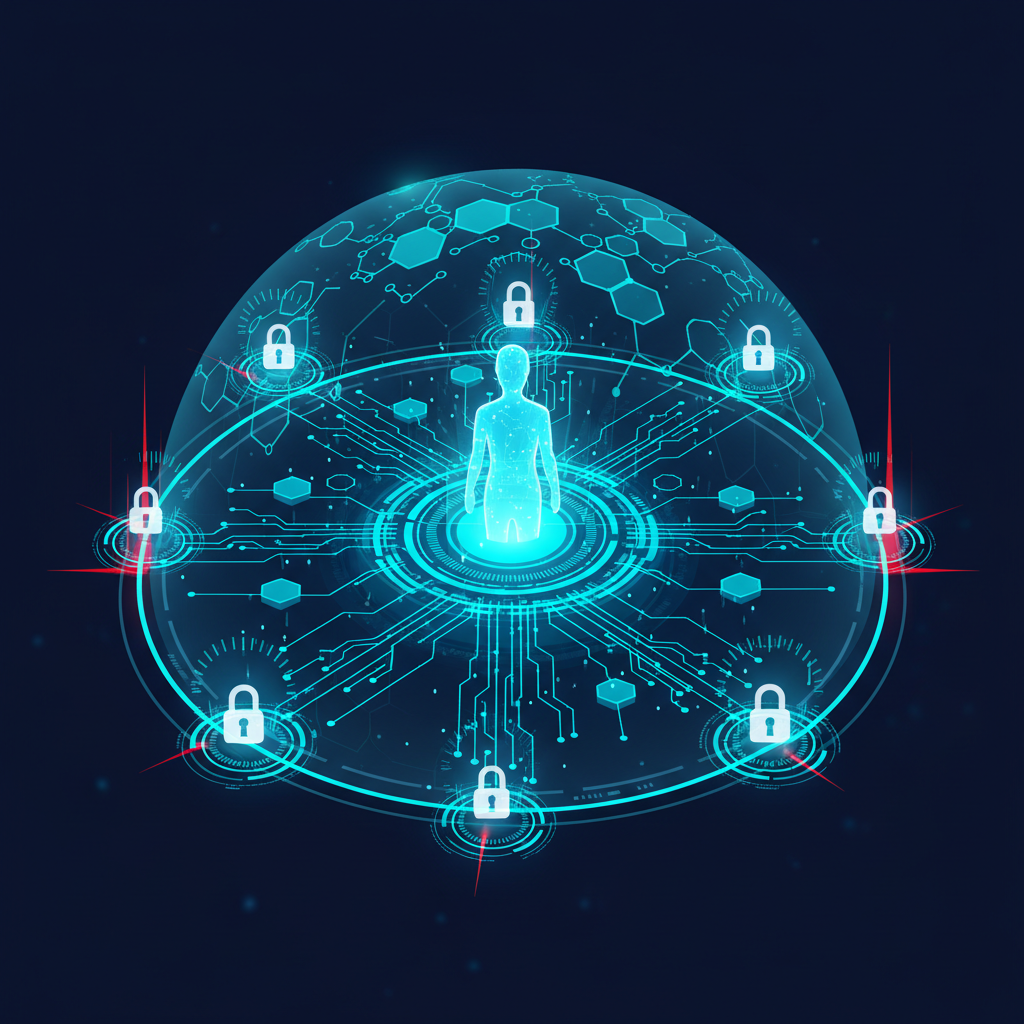
This is where the comparison stops being academic. A chatbot's worst case is bad advice. An agent's worst case is a bad action, taken with your permissions.
Every tool you give an agent is a permission, and the model driving it can be manipulated through prompt injection. A carefully written email or web page can carry instructions the agent mistakes for yours. Prompt injection is number one on the OWASP Top 10 for LLM Applications.
OpenClaw's fast growth turned it into a case study. CrowdStrike's analysis describes two routes in: attackers sending instructions directly to exposed instances, or hiding them in data the agent reads, like emails and web pages. The rest of the record so far:
- One researcher counted more than 42,000 OpenClaw instances exposed to the public internet at the end of January 2026.
- Koi Security audited all 2,857 skills in OpenClaw's marketplace on February 1 and found 341 malicious ones, some installing keyloggers.
- Token Security reported that 22% of its enterprise customers had employees using the agent, then called Clawdbot, which is shadow AI in its purest form.
- A high-severity flaw (CVSS 8.8), CVE-2026-25253, let a single malicious link take over an install. It was fixed in version 2026.1.29, but self-hosted users had to update on their own.
Agents are still worth using. Treat one like any software that holds the keys to your systems:
- Give it the minimum permissions the job needs, the same least-privilege rule you'd apply to a new employee.
- Log everything it does so you can check its work.
- Put approval gates on risky actions: spending money, deleting data, anything sent outside the business.
- Test it with hostile inputs before it goes live.
- Keep the software updated, and vet every third-party skill or plug-in before installing it.
When to use a chatbot, an agent, or neither
Use a chatbot when the job is answering from a fixed body of knowledge (your FAQ, your policies) or producing a draft a person will edit. Nothing leaves the building without you.
Use an agent when the work has several steps, crosses several tools, repeats, and the next step depends on what it finds. Inbox triage, follow-up chasing, and overnight research are the classic fits.
Use neither when you can write down every step. That's a plain automation, and it's cheaper and more predictable than an agent. Anthropic's advice in the same article is to find "the simplest solution possible."
Agents still struggle in a few places. Don't hand one high-stakes decisions without review. Watch it on long tasks that run for many hours, where it can lose the thread. And remember it only knows what you tell it about your business. Thin context in, confident nonsense out.
You'll also hear about multi-agent systems, where one agent researches, another writes, and a third checks the work. For most small businesses that's overkill. One well-configured agent covers the job.
What this means for your business
A chatbot saves you typing. An agent saves you steps, because it does the copying, pasting, sending, and following up you used to do after the chatbot answered. That's the real difference, and it's why the security setup matters more than which model is inside.
Agents still need clear instructions, tight permissions, and a person who approves anything a customer will see. Start one on drafts only, and widen its permissions one tool at a time.
For costs, the three kinds of agent products, and what you can set up free, read our guide to AI agents for small business. If you'd rather have one built for you, we set up personal AI agents for small businesses: it runs on your own hosting and your own AI accounts, and you get the security setup in writing.